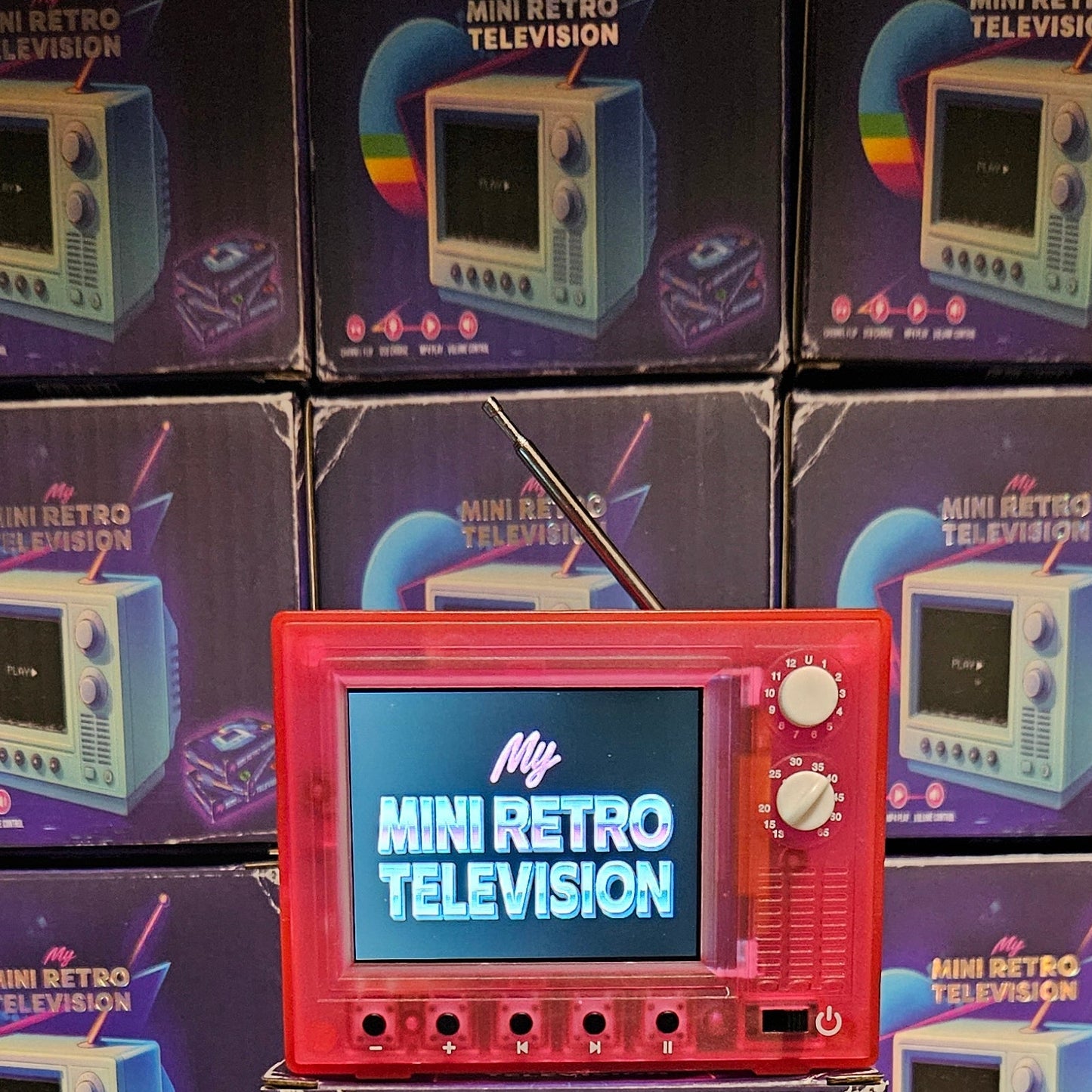
The MY MINI RETRO TELEVISION is equipped with 8 gigabytes of storage capacity.
To upload your video content from a computer, please use the double USB connection cable.
Connect the USB cable to your computer and power on the My Mini Retro Television.
It should be recognized as a USB drive on your computer.
You can then simply drag and drop your selected video files onto the My Mini Retro Television.
Additionally, you can connect your smartphone to the My Mini Retro Television using the same double USB cable to access your phone's videos.
You can also choose to transfer video files to a flash drive and then plug the flash drive into the USB port in the back of your My Mini Retro Television.
Charging the MY MINI RETRO TELEVISION can be accomplished through the USB-C connection cable.
You can upload MP4 and MOV files to My Mini Retro Television, with 360P, 480P, and 720P resolutions being the best options for playback quality.
Channel navigation can be performed by pressing the right arrow to advance through your selected channels, or by pressing the left arrow to return to the previously viewed channel.
The video playback can be paused by pressing the designated pause button.